Automating Accessibility Audits in React with CI/CD
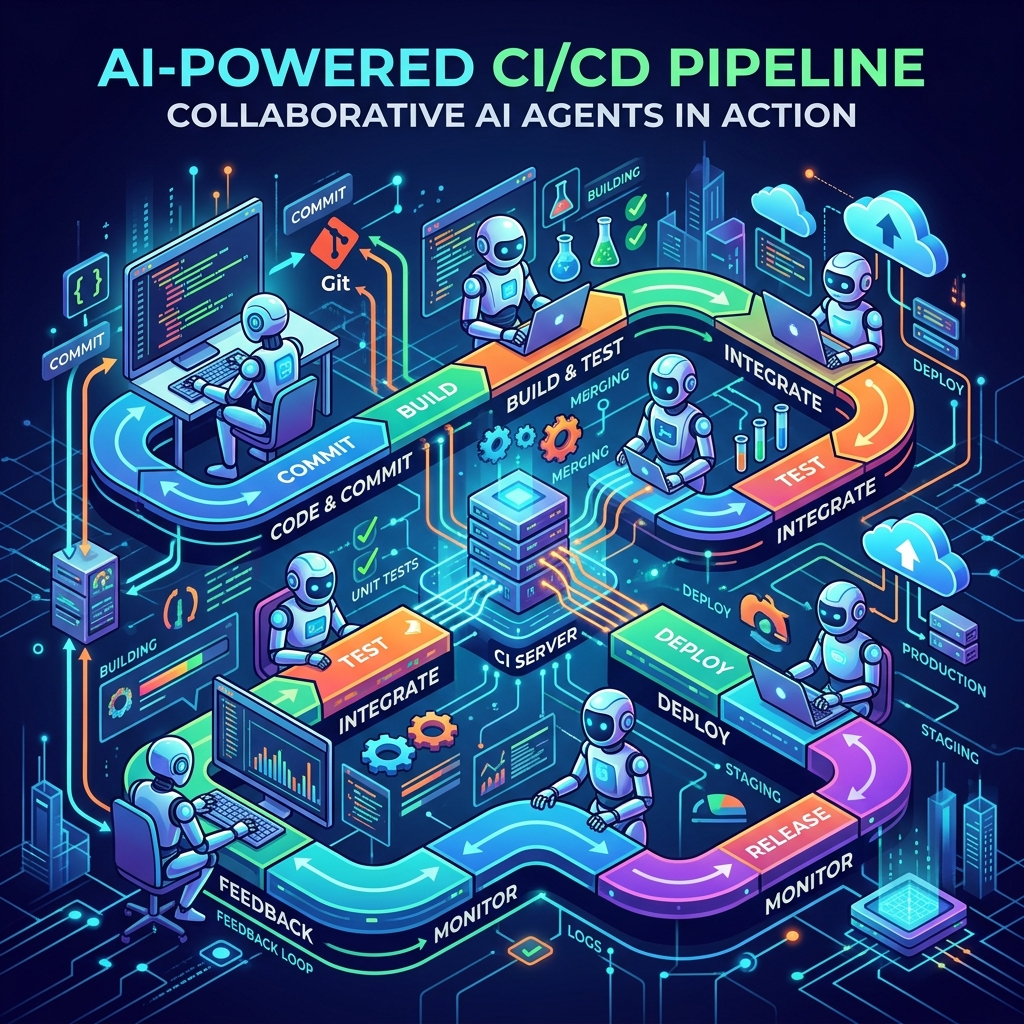
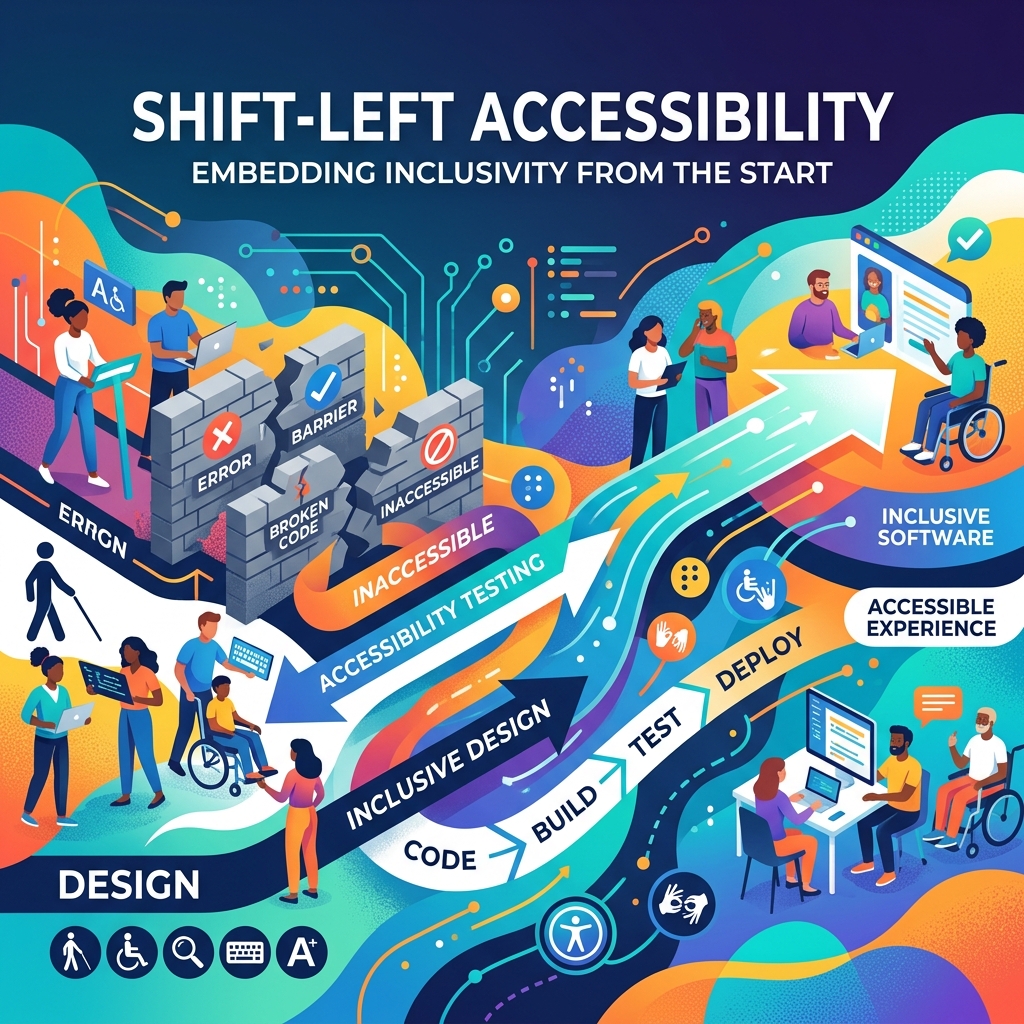
Making web applications accessible isn't just a legal compliance requirement; it's a fundamental part of building quality software. Yet, in many teams, accessibility (A11y) is still treated as an afterthought. We wait until QA or compliance audits find issues, leading to expensive, last-minute refactoring. In my work leading WCAG 2.1 AA accessibility initiatives, I've seen how shifting these checks left by automating them in CI/CD pipelines can reduce production A11y bugs by up to 45%.
Here is how you can build a robust, automated accessibility testing pipeline for React applications using ESLint, axe-core, and GitHub Actions.
The Cost of Manual Accessibility Testing
Manual audits using screen readers and keyboard navigation are crucial, but they are time-consuming and don't scale. If you rely solely on manual testing, you'll inevitably miss issues like missing aria-labels, poor color contrast, or broken heading hierarchies.
By the time a manual audit catches these bugs, the code is already merged, and fixing it requires context switching, re-testing, and redeploying. Shifting these checks left means catching them during local development and blocking them at the Pull Request gate.
Step 1: Catching Basic Errors in Code with ESLint
The first line of defense is static analysis. For React, the eslint-plugin-jsx-a11y plugin is the industry standard. It runs inside your IDE and catches syntax-level accessibility errors as you write code, such as missing alt text on images or interactive elements without keyboard support.
To set it up, install the plugin:
npm install eslint-plugin-jsx-a11y --save-dev
Then, configure it in your .eslintrc.json or ESLint configuration file:
{
  "plugins": [
    "jsx-a11y"
  ],
  "extends": [
    "plugin:jsx-a11y/recommended"
  ],
  "rules": {
    "jsx-a11y/label-has-associated-control": [
      "error",
      {
        "required": {
          "some": ["nesting", "id"]
        }
      }
    ]
  }
}
This ensures basic standards are enforced directly in the developer's editor, saving time before any code is even committed.
Step 2: Component-Level Testing with React Testing Library and Vitest
Static analysis only goes so far. To test interactive states and dynamic components, we need runtime analysis. This is where @testing-library/react combined with vitest-axe (or jest-axe) shines.
Let's look at a custom Accordion component test. We want to ensure that expanding or collapsing the accordion maintains correct semantic structure and ARIA attributes:
import { render, screen } from '@testing-library/react';
import userEvent from '@testing-library/user-event';
import { axe, toHaveNoViolations } from 'vitest-axe';
import { Accordion } from './Accordion';

expect.extend(toHaveNoViolations);

describe('Accordion Accessibility', () => {
  it('should have no accessibility violations in default state', async () => {
    const { container } = render(
      <Accordion title="Security Details">
        <p>Your data is encrypted at rest and in transit.</p>
      </Accordion>
    );
    const results = await axe(container);
    expect(results).toHaveNoViolations();
  });

  it('should support keyboard navigation', async () => {
    render(
      <Accordion title="Security Details">
        <p>Your data is encrypted.</p>
      </Accordion>
    );

    const button = screen.getByRole('button', { name: /security details/i });
    expect(button).toHaveAttribute('aria-expanded', 'false');

    await userEvent.tab();
    expect(button).toHaveFocus();

    await userEvent.keyboard('{Enter}');
    expect(button).toHaveAttribute('aria-expanded', 'true');
  });
});
Using axe in your unit and integration tests catches the vast majority of accessibility bugs (such as color contrast, form label associations, and role mappings) before they leave your local machine.
Step 3: End-to-End Auditing with Playwright and Axe
Some accessibility issues only manifest when components interact or when page-level layouts are rendered. For these, we run automated E2E audits using Playwright and @axe-core/playwright.
This setup loads the fully rendered app in a headless browser, injects axe-core, runs a full page scan, and reports violations. Here's a Playwright script that audits a login page:
import { test, expect } from '@playwright/test';
import AxeBuilder from '@axe-core/playwright';

test.describe('Login Page A11y Audit', () => {
  test('should pass automated accessibility scan', async ({ page }) => {
    await page.goto('/login');

    // Wait for the form to render
    await page.waitForSelector('form');

    const accessibilityScanResults = await new AxeBuilder({ page })
      .withTags(['wcag2a', 'wcag21aa'])
      .analyze();

    expect(accessibilityScanResults.violations).toEqual([]);
  });
});
This captures page-level issues like document language properties, focus trapping inside modals, and bypass blocks (skip links).
Step 4: Enforcing at the PR Gate via GitHub Actions
Now that we have local checks, we must prevent regressions by running these checks on every Pull Request. We configure a GitHub Actions workflow to run our ESLint checks, unit tests, and E2E audits.
Here is a sample .github/workflows/a11y-check.yml workflow:
name: Accessibility CI

on:
  pull_request:
    branches: [ main ]

jobs:
  audit:
    runs-on: ubuntu-latest
    steps:
      - name: Checkout Code
        uses: actions/checkout@v4

      - name: Setup Node.js
        uses: actions/setup-node@v4
        with:
          node-version: 20
          cache: 'npm'

      - name: Install Dependencies
        run: npm ci

      - name: Run ESLint
        run: npm run lint

      - name: Run Unit & A11y Tests
        run: npm run test:run

      - name: Run E2E A11y Scan
        run: npx playwright test
By making this workflow required, no PR can be merged unless all automated accessibility checks pass, ensuring that your production environment remains clean and compliant.
Key Takeaways
- Start Early: Catching A11y issues in ESLint or component-level unit tests is infinitely cheaper than fixing them post-merge.
- Combine Static and Dynamic Checks: Use ESLint for static syntax checks,
axeinside RTL for component states, and Playwright for page-level verification. - Automate in CI/CD: Never rely on manual processes to run tests. Enforce passing accessibility audits as a blocker for merging code.
- Remember the Limits: Automated tools catch about 30-50% of accessibility issues. Use them as a baseline so your manual QA team can focus on complex screen-reader interactions and logical tab orders.

Himanshu Shrivastava
Senior Full Stack Engineer · Node.js · React · TypeScript · AWS · Accessibility