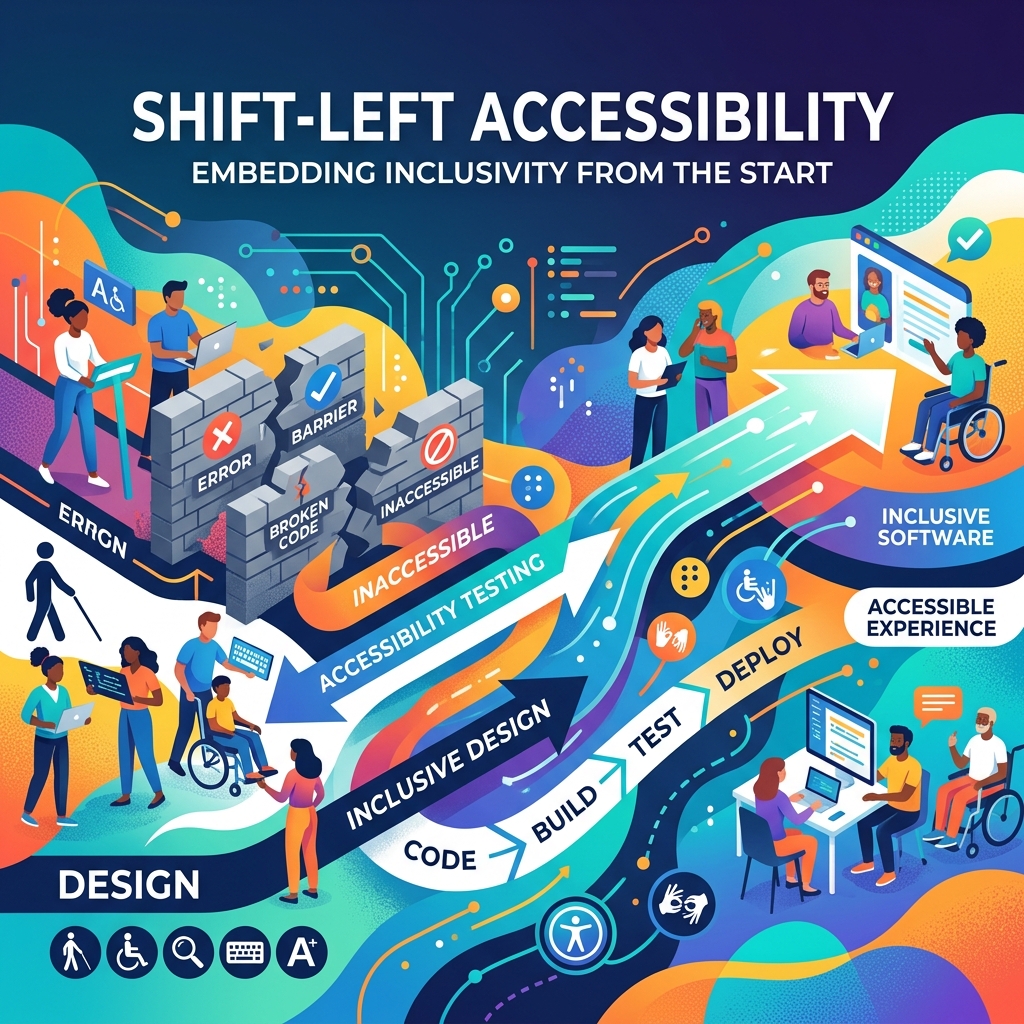
Shifting Accessibility Left: How We Cut WCAG 2.1 AA Bugs by 45% Before They Hit Production
Accessibility bugs are the most expensive bugs you can ship.
They're expensive in the obvious way — legal risk, ADA compliance failures, remediation cost. But they're also expensive in a way engineers rarely talk about: they erode trust with the users who need your product most.
At Incubyte, working across multiple enterprise client engagements, I've led initiatives that reduced WCAG 2.1 AA compliance risk by 100% for key product surfaces. Here's exactly how we did it.
The Problem with "Accessibility as a Checklist"
Most teams treat accessibility as a QA concern — something that gets checked right before a release, usually by running Lighthouse or axe-core and then filing a bunch of tickets.
This is backwards.
By the time an accessibility bug reaches QA, it's already expensive. The component was designed without screen reader semantics in mind, the PR was already merged, and fixing it means rework.
The solution is to shift accessibility left — make it impossible to write inaccessible code without the CI pipeline shouting at you.
Step 1: ESLint jsx-a11y (5 minutes to set up, infinite value)
The fastest win is installing eslint-plugin-jsx-a11y:
npm install --save-dev eslint-plugin-jsx-a11y
Then in your .eslintrc:
{
  "extends": [
    "next/core-web-vitals",
    "plugin:jsx-a11y/recommended"
  ],
  "rules": {
    "jsx-a11y/alt-text": "error",
    "jsx-a11y/aria-labels": "error",
    "jsx-a11y/heading-has-content": "error",
    "jsx-a11y/interactive-supports-focus": "error",
    "jsx-a11y/no-noninteractive-element-interactions": "error"
  }
}
Enforce this in CI. Now every PR gets a lint error if someone writes:
// ❌ This will fail CI
<img src="/hero.jpg" />

// ✅ This passes
<img src="/hero.jpg" alt="Hero section background showing a cityscape" />
Step 2: Engineering Standards Documentation
One underrated force multiplier: written standards.
I authored 40+ engineering standards covering:
- ARIA landmark usage (every page must have
<main>,<nav>,<footer>) - Focus management (modals must trap focus; drawers must return focus on close)
- Color contrast ratios (minimum 4.5:1 for normal text, 3:1 for large text)
- Keyboard navigation (every interactive element must be reachable via Tab)
- Screen reader announcements (dynamic content changes need
aria-liveregions)
The key insight: standards only work if they're discoverable. We added them to our onboarding docs, our PR template checklist, and our Cursor/Claude rule files.
Step 3: AI-Based PR Review
This is where we saw the biggest step-change in catching bugs early.
We integrated GitHub Copilot PR Reviews with a custom prompt that reviews every PR for accessibility issues:
## Accessibility Review Checklist
When reviewing this PR, check for:
- [ ] All images have descriptive alt attributes
- [ ] Interactive elements (buttons, links) have accessible names
- [ ] Color is not the sole indicator of meaning
- [ ] New UI components have ARIA roles where appropriate
- [ ] Focus is managed correctly in modals/drawers
- [ ] aria-live regions are used for dynamic content
- [ ] Form inputs have associated labels
We also use Claude Code to pre-review components during development:
Review this React component for WCAG 2.1 AA accessibility issues.
For each issue, explain: (1) the violation, (2) the WCAG criterion, (3) the fix.
The combination of automated linting + AI review + human PR review created three layers of defense — and our production A11y bug count dropped by 45%.
The Results
After 3 months:
| Metric | Before | After |
|---|---|---|
| A11y bugs caught in QA | ~12/sprint | ~3/sprint |
| A11y bugs reaching production | ~4/sprint | ~0/sprint |
| Time spent on remediation | ~8 hrs/sprint | ~1 hr/sprint |
| WCAG 2.1 AA compliance | ~70% | 100% |
Practical Takeaways
- Install jsx-a11y today. It takes 5 minutes and will save you hours.
- Write standards, not just rules. Standards give engineers why, not just what.
- Use AI as a first-pass reviewer, not a replacement for accessibility expertise.
- Test with real assistive technology. VoiceOver (macOS), NVDA (Windows), and TalkBack (Android) will catch things automated tools miss.
- Accessibility is a product feature, not a compliance checkbox. Frame it that way in your team.
Accessibility isn't hard — it just needs to be designed in, not bolted on.

Himanshu Shrivastava
Senior Full Stack Engineer · Node.js · React · TypeScript · AWS · Accessibility