When I Reach for Cursor vs Claude Code: Lessons from 6 Months of Enterprise Agentic Workflows
Most "Cursor vs Claude Code" comparisons read like spec sheets. X has inline editing. Y has better context windows. Pick your favorite and move on. After six months of using both tools daily across three enterprise client engagements, I've found the real decision has almost nothing to do with features. It's about the shape of the problem you're solving.
Here's the mental model that's saved me hours of friction every week.
The Two Modes of AI-Assisted Development
Every coding task falls into one of two modes: exploration and execution. Exploration is when you're poking at unfamiliar code, testing hypotheses, or designing an approach. Execution is when you know exactly what needs to happen and you need it done fast.
Cursor dominates exploration. Claude Code dominates execution.
This isn't a hot take—it's a pattern I noticed after tracking my tool switches for three months. When I'm debugging a flaky integration test in a codebase I inherited last week, I reach for Cursor. When I need to scaffold an entire webhook handler with tests, error handling, and TypeScript types that conform to our existing patterns, I reach for Claude Code.
The mistake most engineers make is treating these tools as interchangeable. They're not. They're complementary in the same way a whiteboard and a keyboard are complementary.
Where Cursor Wins: Navigating the Unknown
Cursor's strength is its IDE integration. When I'm dropped into an unfamiliar module—say, a payment reconciliation service written by a team member who's since moved on—I need to read before I write. Cursor lets me hover over types, jump to definitions, and ask inline questions without breaking my flow.
A typical exploration session looks like this:
// I'm staring at this function and have no idea what `reconcileState` returns
// In Cursor, I highlight it and ask: "What are the possible states
// and when does this throw?"

async function processSettlement(txnId: string): Promise<SettlementResult> {
  const state = await reconcileState(txnId); // <- Cmd+K: "explain this"
  if (state.status === 'DIVERGED') {
    // Why DIVERGED and not FAILED? What's the business distinction?
    await escalateToManualReview(txnId, state.delta);
  }
  return settleTransaction(txnId, state);
}
That inline "explain this" loop—highlight, ask, get context, keep moving—is where Cursor earns its place. The response appears right next to the code. I don't switch windows. I don't lose my scroll position. For exploration, that tight feedback loop is everything.
Where Claude Code Wins: Autonomous Execution
Claude Code operates differently. It's a terminal-native agent that reads your codebase, plans multi-file changes, and executes them. It doesn't need me hovering over a function—it navigates the codebase itself.
When I have a well-scoped task with clear constraints, Claude Code is dramatically faster. Here's a real example from a recent sprint: I needed to add WCAG 2.1 AA compliance to a date picker component, including keyboard navigation, ARIA labels, and screen reader announcements.
The prompt I gave Claude Code:
claude "Add WCAG 2.1 AA keyboard navigation to DatePicker component in
src/components/DatePicker/. Requirements: Arrow keys navigate dates,
Enter/Space selects, Escape closes, Tab moves to next focusable element.
Add aria-label with formatted date, aria-live region for month changes.
Follow the existing a11y patterns in src/components/Modal/.
Add unit tests matching the testing patterns in __tests__/."
Seven minutes later, I had a PR with the component changes, updated tests, and correct ARIA attributes—all following our existing patterns because Claude Code read the Modal component first. In Cursor, this same task would have been a series of back-and-forth inline edits across five files. Doable, but slower.
The Decision Framework I Actually Use
After months of switching between tools, I settled on a 3-question checklist:
- Do I understand the codebase well enough to write acceptance criteria? If no → Cursor. If yes → Claude Code.
- Is the change contained to 1-2 files or spread across 5+? Few files → Cursor. Many files → Claude Code.
- Am I debugging or building? Debugging → Cursor. Building → Claude Code.
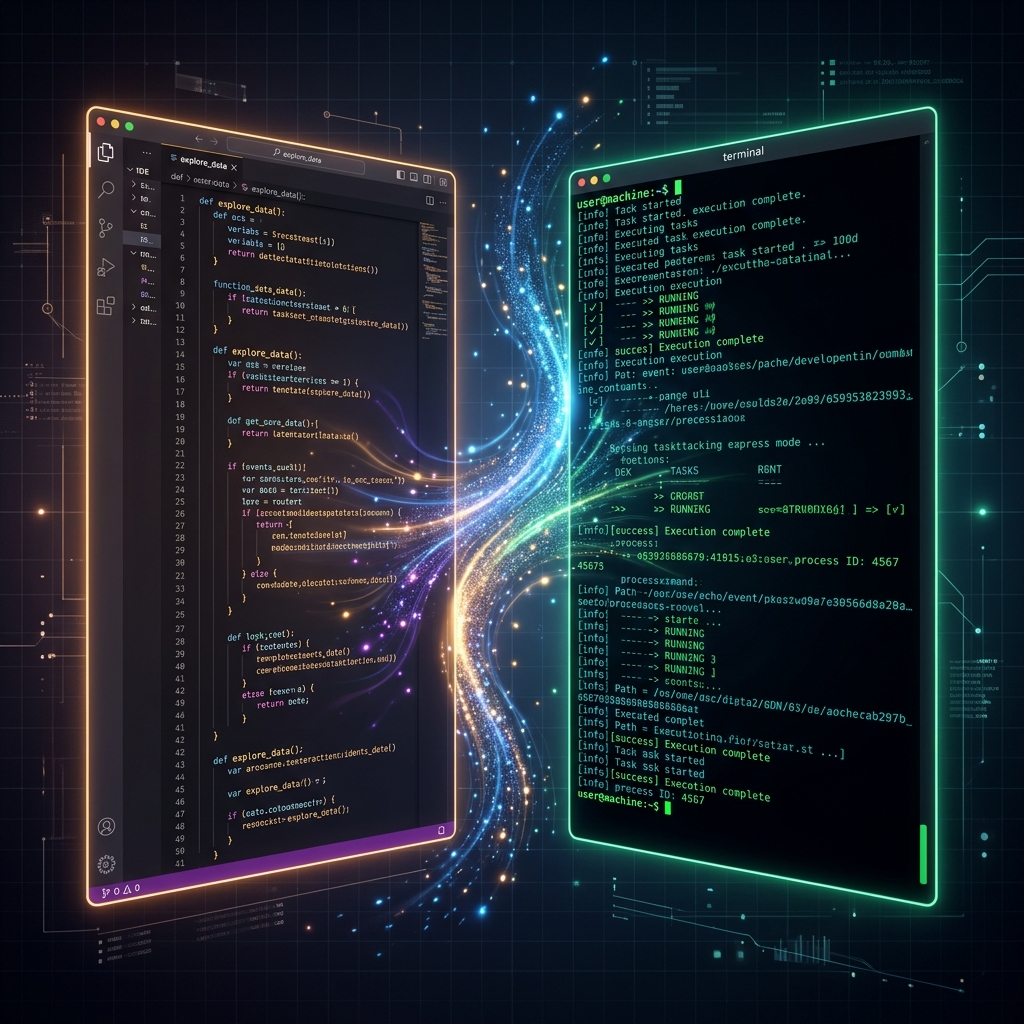
This isn't absolute—there are exceptions. But these three questions route me correctly about 85% of the time. The remaining 15% is usually hybrid work: I explore in Cursor until I understand the problem, then switch to Claude Code to execute the fix across the codebase.
# My mental routing table
task_routing:
  cursor:
    - "Unfamiliar codebase exploration"
    - "Inline debugging with context"
    - "Small, surgical edits (< 3 files)"
    - "Design exploration / prototyping approaches"
  claude_code:
    - "Multi-file scaffolding with established patterns"
    - "Refactoring across module boundaries"
    - "Test generation following existing conventions"
    - "Repetitive compliance work (a11y, i18n)"
  hybrid:
    - "Investigate in Cursor → execute in Claude Code"
    - "Prototype in Cursor → scale in Claude Code"
The Compounding Cost of Using the Wrong Tool
This might sound like over-optimization, but the cost of choosing wrong compounds fast. On one engagement, I spent an afternoon using Cursor to refactor error handling across 14 service files. Each inline edit was fine in isolation, but I kept losing consistency between files—different error messages, slightly different retry logic, one file missing the new error type entirely.
The next week, I faced a similar refactoring task. This time I wrote a Claude Code prompt with explicit constraints: use the AppError base class, include the correlation ID in every error, and match the retry pattern from PaymentService.ts. Twenty minutes. Consistent across all files. Zero drift.
The inverse is equally true. I've watched engineers feed Claude Code a vague prompt on unfamiliar code and get back a confident, plausible, and entirely wrong implementation. The agent didn't know what it didn't know—and neither did the engineer. Cursor's exploratory mode would have surfaced the misunderstanding in minutes.
Key Takeaways
After six months of daily use across enterprise workstreams, here's what I'd tell any engineer evaluating these tools:
- Stop comparing features—compare workflows. The right tool depends on whether you're exploring or executing, not which one has a better autocomplete.
- Exploration demands tight feedback loops. Cursor's inline IDE integration wins when you need to understand before you act.
- Execution demands autonomy. Claude Code wins when you can articulate clear constraints and let the agent work across files independently.
- Build a routing habit. The 3-question checklist (understand it? few files? debugging?) eliminates daily decision fatigue.
- The hybrid workflow is the real unlock. Explore in one, execute in the other. Treating them as a pipeline—not competitors—is where the 30%+ time savings actually come from.
Neither tool is "better." The engineer who knows when to reach for each one ships faster than the engineer who picks a favorite and forces every problem through it.

Himanshu Shrivastava
Senior Full Stack Engineer · Node.js · React · TypeScript · AWS · Accessibility